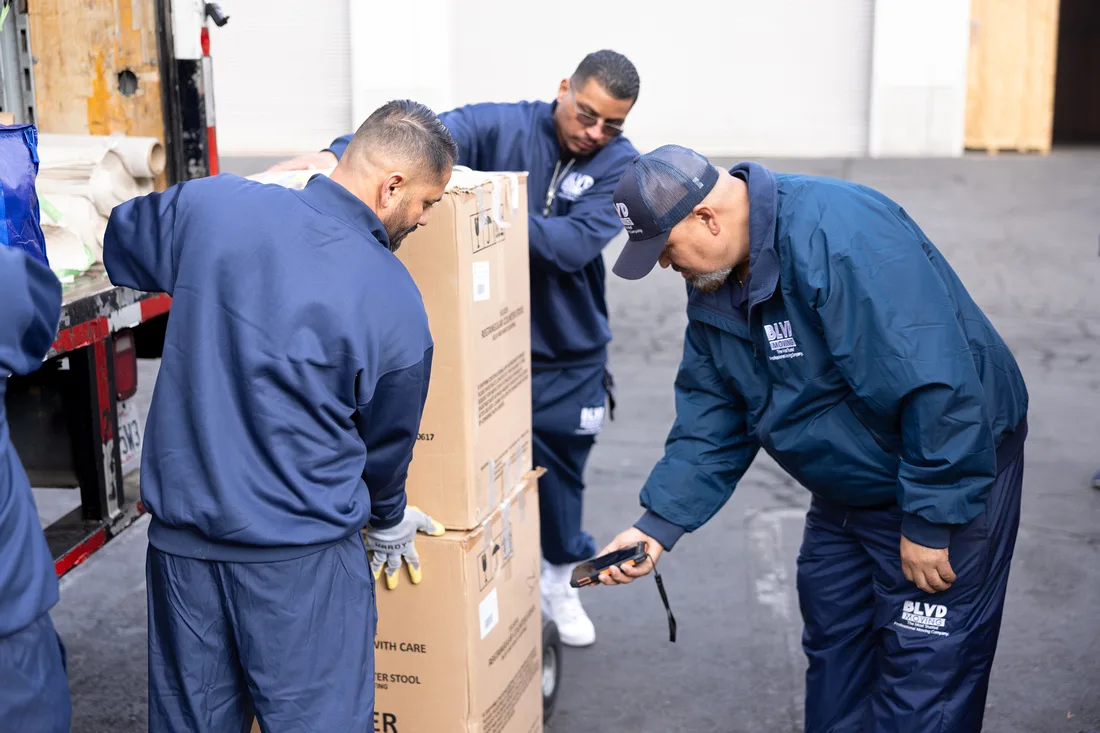
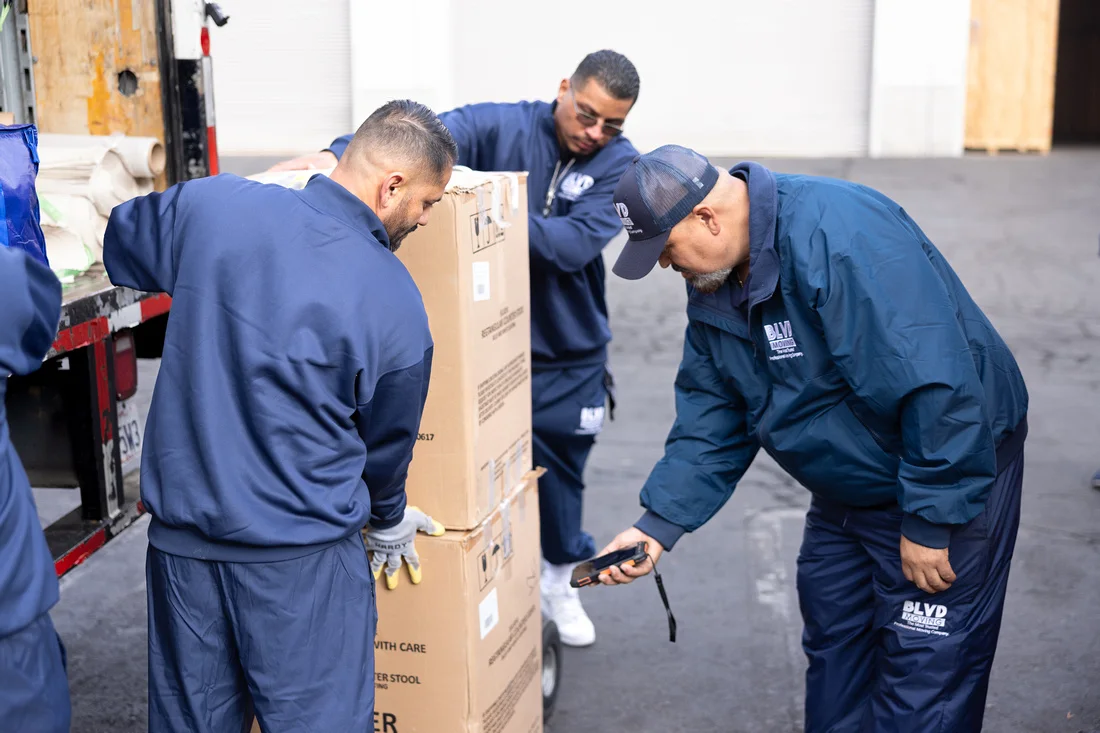
BLVD mover scanning organized cartons during an office inventory

Office relocation services

Give every workstation and department a destination.

BLVD coordinates office moves around people, furniture, technology, files, departments, building access, labels, packing, storage, and the order teams need to return.
Planning
Department + floor
Inventory
Labels + scans
Assets
Furniture + tech
Delivery
Sequenced setup
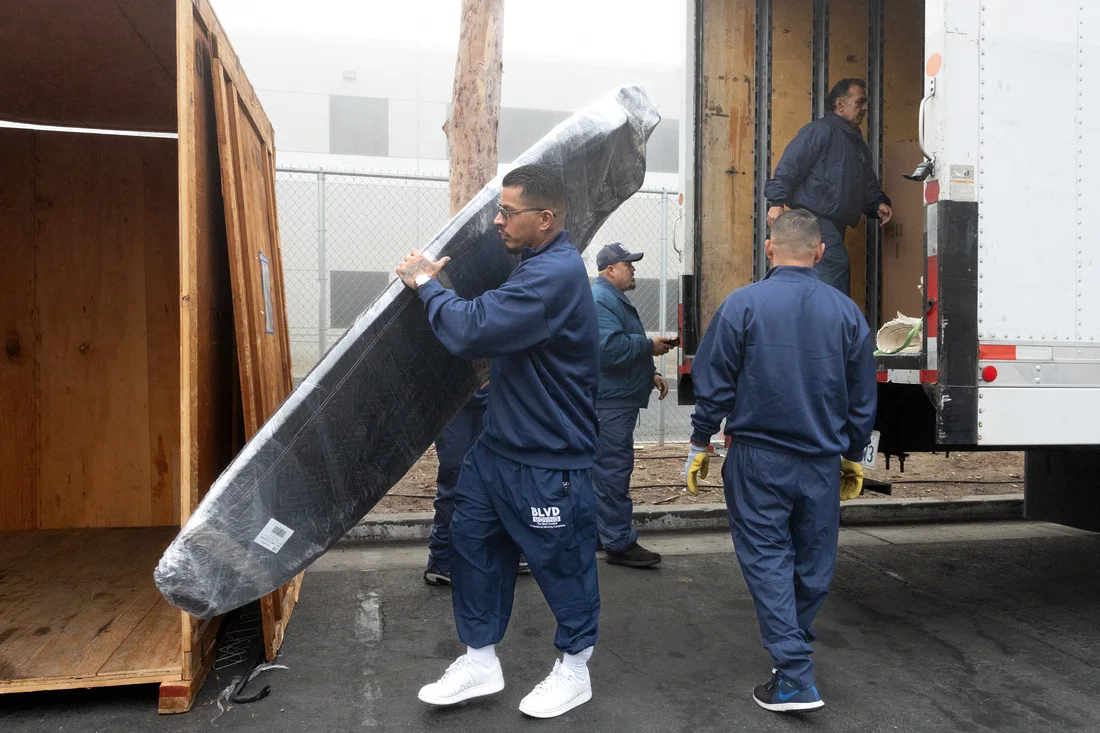
BLVD movers carefully handling a protected flat-screen display

Real BLVD operations

Crew, equipment, protection, and sequencing matched to the move.

Office moving with destination logic

A label should tell the crew where the work belongs next.

Office moves become easier to execute when every workstation, carton, cabinet, and shared asset has a clear destination.

BLVD can help organize department, floor, room, workstation, and asset labels around the destination plan.

The service scope should also reflect technology handling, furniture work, records, building requirements, access windows, packing, storage, and the sequence needed at delivery.
  • Workstation and department labels
  • Technology and display handling
  • File and records organization
  • Floor, room, and priority delivery zones

Office moving controls

Make the destination readable to the entire crew.

The labeling and move plan should connect people, assets, rooms, floors, and delivery priorities.
01

Workstations and technology

Identify monitors, computers, peripherals, displays, phones, shared devices, and handling requirements.

02

Office furniture

Plan desks, chairs, tables, cabinets, shelving, disassembly needs, and destination placement.

03

Records and files

Organize cartons and cabinets by department, owner, room, sequence, or approved handling process.

04

Building logistics

Coordinate elevators, docks, parking, security, access hours, protection, and site contacts.

Office moving process

Translate the floor plan into a move sequence.

A consistent location and labeling system helps the crew move from pickup to setup with fewer destination questions.

  1. 01

    Survey the workplace

    Review floors, departments, workstations, shared spaces, technology, files, furniture, and access requirements.

  2. 02

    Build the destination code

    Assign rooms, zones, floors, departments, owners, and priority areas to labels and inventory records.

  3. 03

    Pack and relocate by sequence

    Protect, label, document, load, transport, store if needed, and deliver according to the approved order.

  4. 04

    Complete the office handoff

    Review placement, included assembly work, priority areas, inventory, and outstanding items with the office contact.

Office Moving Services questions

Review the details that shape the service.

The written move plan should reflect the route, inventory, properties, dates, access, and selected services—not a generic move description.

01How should an office prepare for a move?

Assign project contacts, confirm the destination layout, identify departments and workstations, inventory shared assets, review technology responsibilities, and provide building access requirements.

02Can items be labeled by employee or workstation?

Yes. Labels may use employee, workstation, department, room, floor, zone, or asset identifiers. Choose a consistent destination system before packing begins.

03Does BLVD disconnect or reconnect office technology?

Technology responsibilities depend on the agreed scope and equipment. Identify disconnect, packing, handling, and reconnect requirements during planning and confirm what is included.

04Can the office move be phased?

Phased work may be possible based on the sites, access, dates, inventory, and business priorities. Define which departments or areas must move first.

Office Moving Services

Turn the destination floor plan into a move plan.

Share the sites, departments, workstations, technology, access, dates, packing needs, and setup priorities for review.